


DMT
The “DMT” frame is used to enter and manage dilatometer tests (DMT) that are used directly in the analyses of the current task.
Tests can be added using the “Add DMT” button or imported from the common “Field Tests” frame using the “Adopt from Field Tests” button. Only DMT tests can be imported.
The individual tests are listed in a table and can then be edited or removed. In the “Visualized field test” column, you select the test whose results are shown in the graphical part.
When adding or editing a test, you enter its name, the offset of the origin, and the measured values at individual depths.
The tests in this frame contain all data that can be used in the analyses and methods available for the current task. Whether the data are required depends on the currently selected analysis and method. Required data are shown in regular font, optional data in italics. Changing the analysis or method may therefore change which test data must be entered.
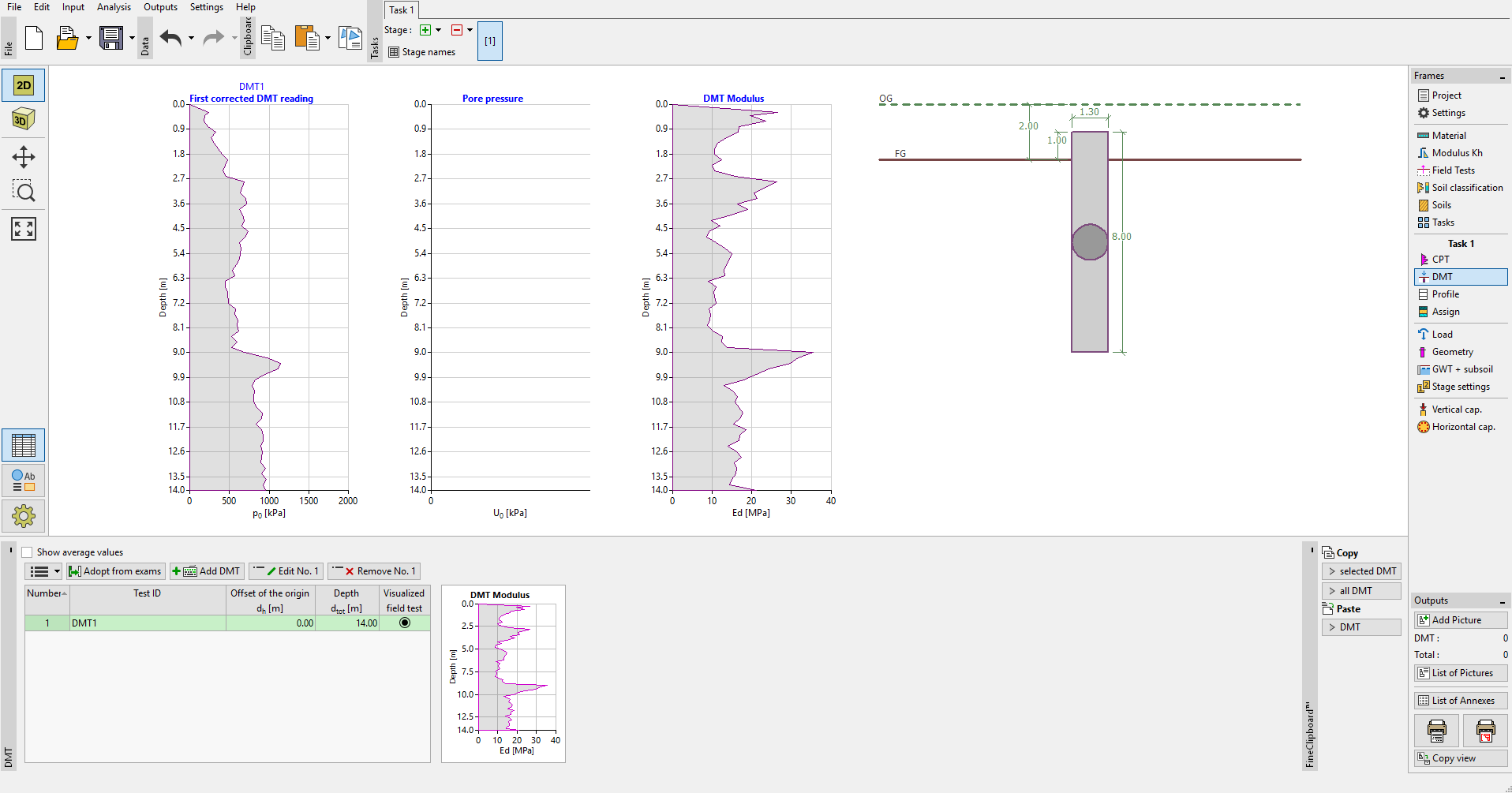 Frame “DMT”
When the “Show average values” option is checked, the graphical part shows the averaged values that are used in the analysis when multiple tests are used.
DMT test results can be imported in UNI format (.uni) in the “Field Tests” frame, or as general tabular data (*.xlsx, *.csv, *.ods, *.txt) directly when adding or editing a test using the  button.
DMT tests can be transferred to other GEO5 programs using "FineClipboard".