


Lines
The frame "Lines" contains a table with the list of input lines. Adding lines is performed in the "New lines" dialog window.
The lines are defined between individual points (segments, arcs, circles) or around individual points (circles). The lines may arbitrarily cross or touch each other - intersections of input lines are identified by the program automatically when correcting the input geometry.
The type of line is selected from the combo box. The following modes are available:
| A combo list is used to select the desired type of line (segment, arc, circle). | |
- segment | Clicking the left mouse button on the joint introduces the line location. | |
- arc | Use the combo list to choose a particular mode of defining an arc segment (third point, center, radius, height). Clicking the left mouse bottom on the desktop then selects points to define the arc. When selecting one of the following options - center, radius or included angle, you are further requested to select the orientation (positive, negative) from the combo list. | |
- circle | Use the combo list to choose a particular mode of defining a circle (center and radius, three points). Clicking the left mouse button on the desktop then selects points to define the circle. The combo list is also used to select the orientation (positive, negative). | |
The lines can also be edited on the desktop with the help of active objects.
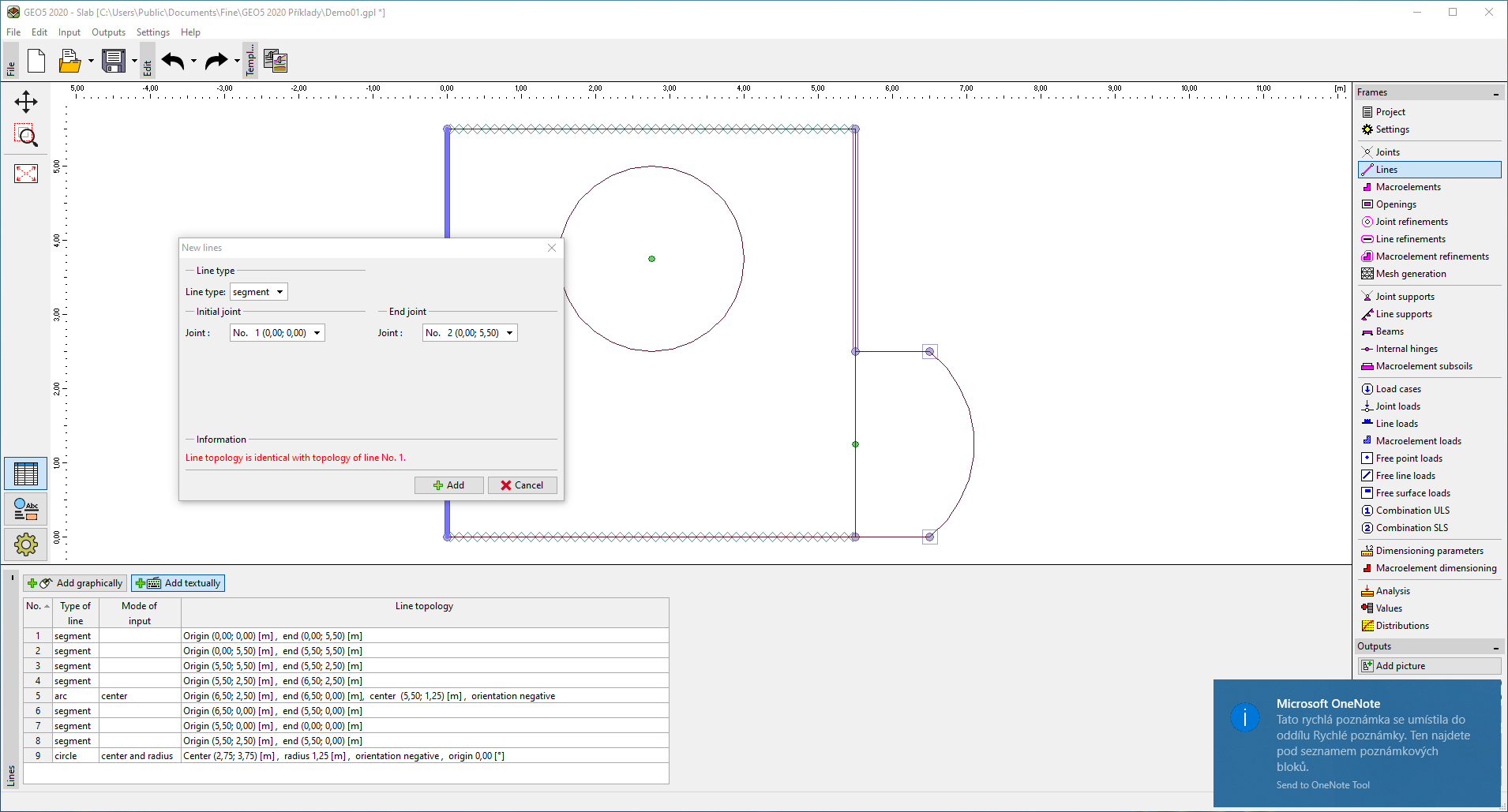 Frame "Lines"