


Material
The frame"Material" allows us to enter material parameters. The appearance of the frame varies according to the selected material (concrete, steel, timber, plastic, soil mix) in the frame "Geometry".
Two options can be used for setting the parameters of the material:
- The "Catalog" button opens the "Catalog of materials" dialog window, where the required material can be selected.
- The "User-defined" button opens the "Editor of material", which allows us to input the specification of material parameters manually by the user.
The content of catalogs depends on the selection of relevant standard for the dimensioning of concrete, steel, or timber or structures set in the "Materials and standards" tab.
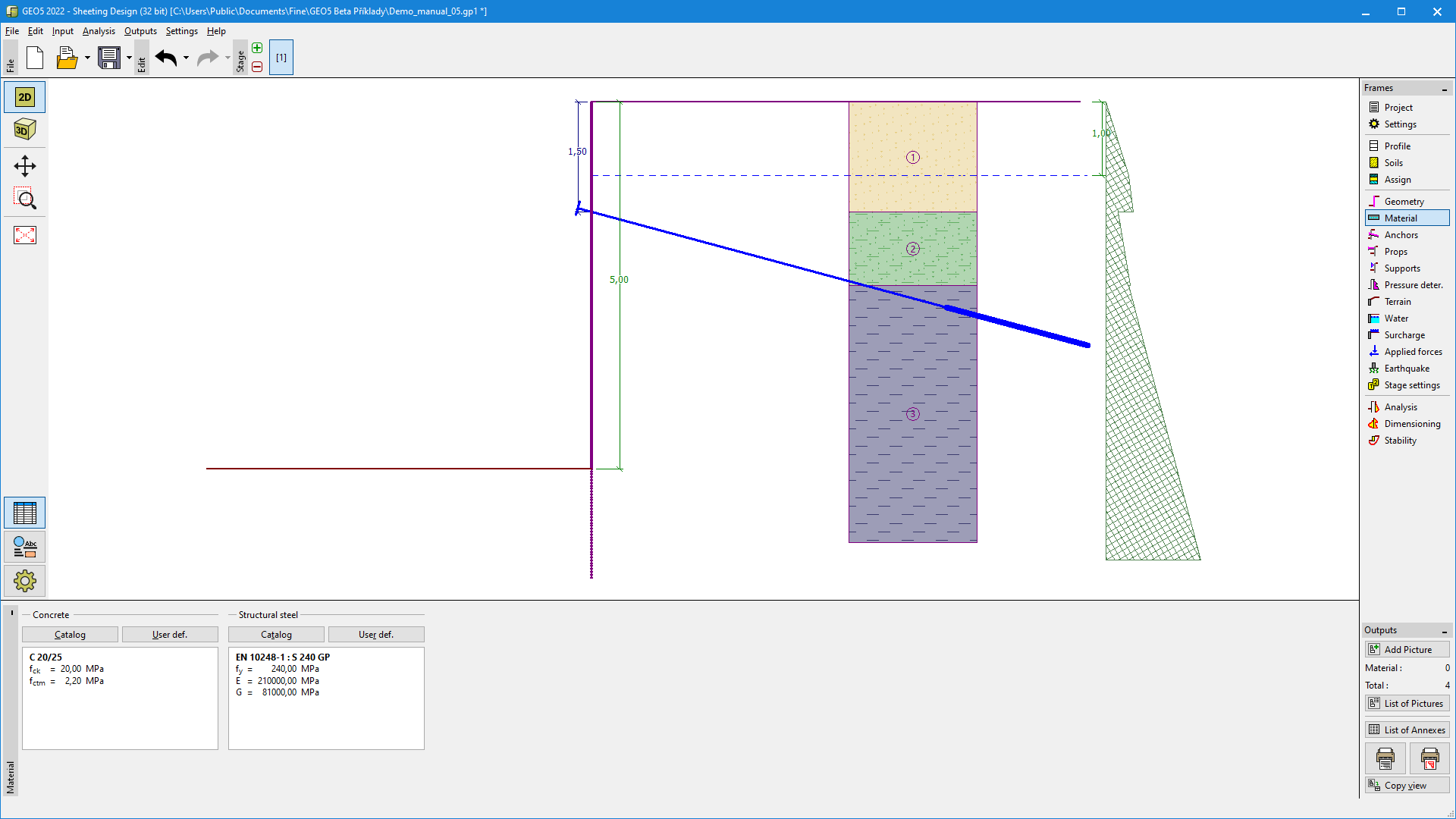 Frame "Material"